Role
Sr. Product Designer
Scope
Feature Design · Data Viz · Scheduler Integration
Hootsuite gave users powerful analytics tools — but the workflow put the burden entirely on them. They'd build dashboards, monitor metrics, and try to figure out what to do next. The data was there; the actionable insight wasn't.
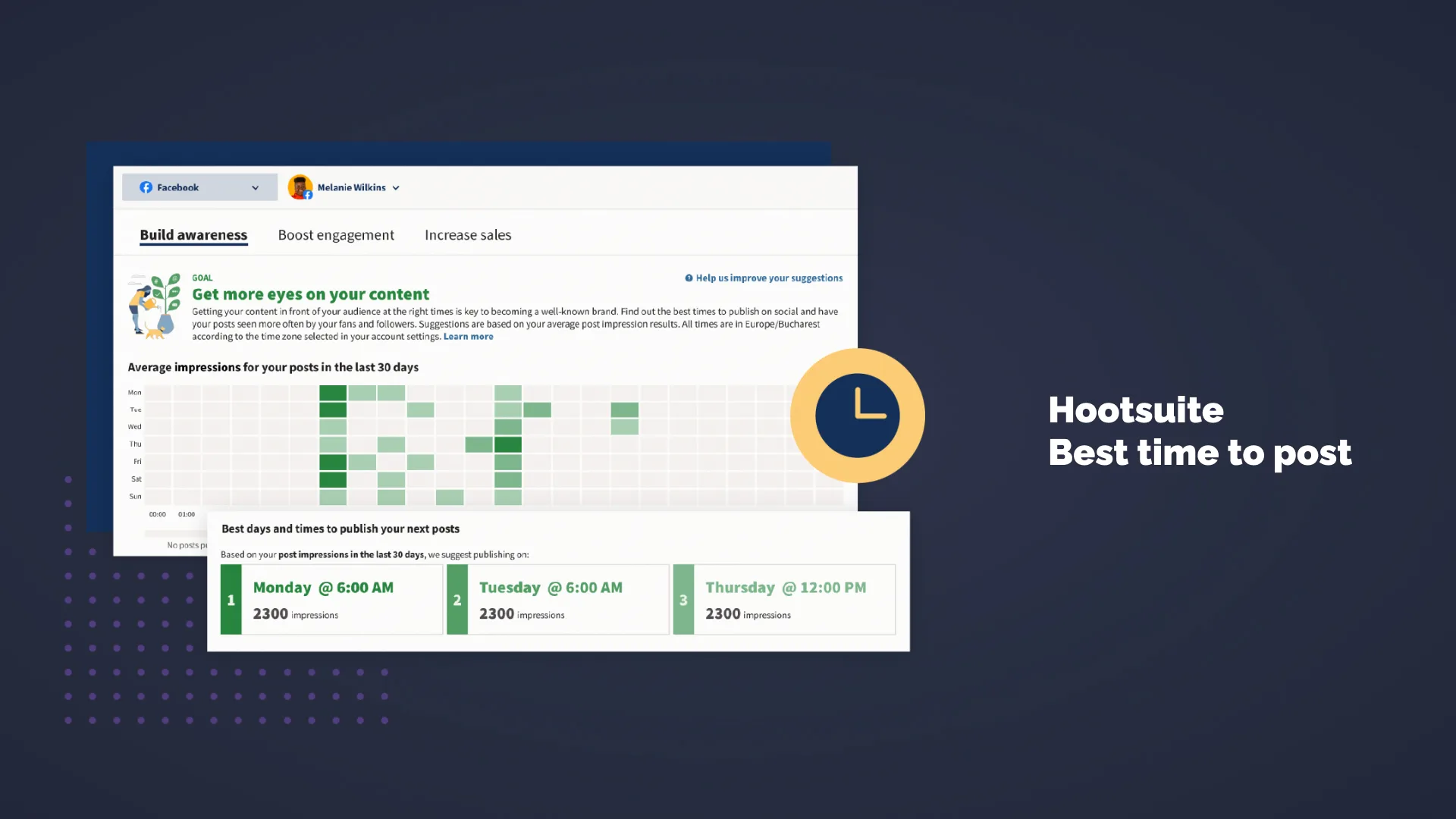
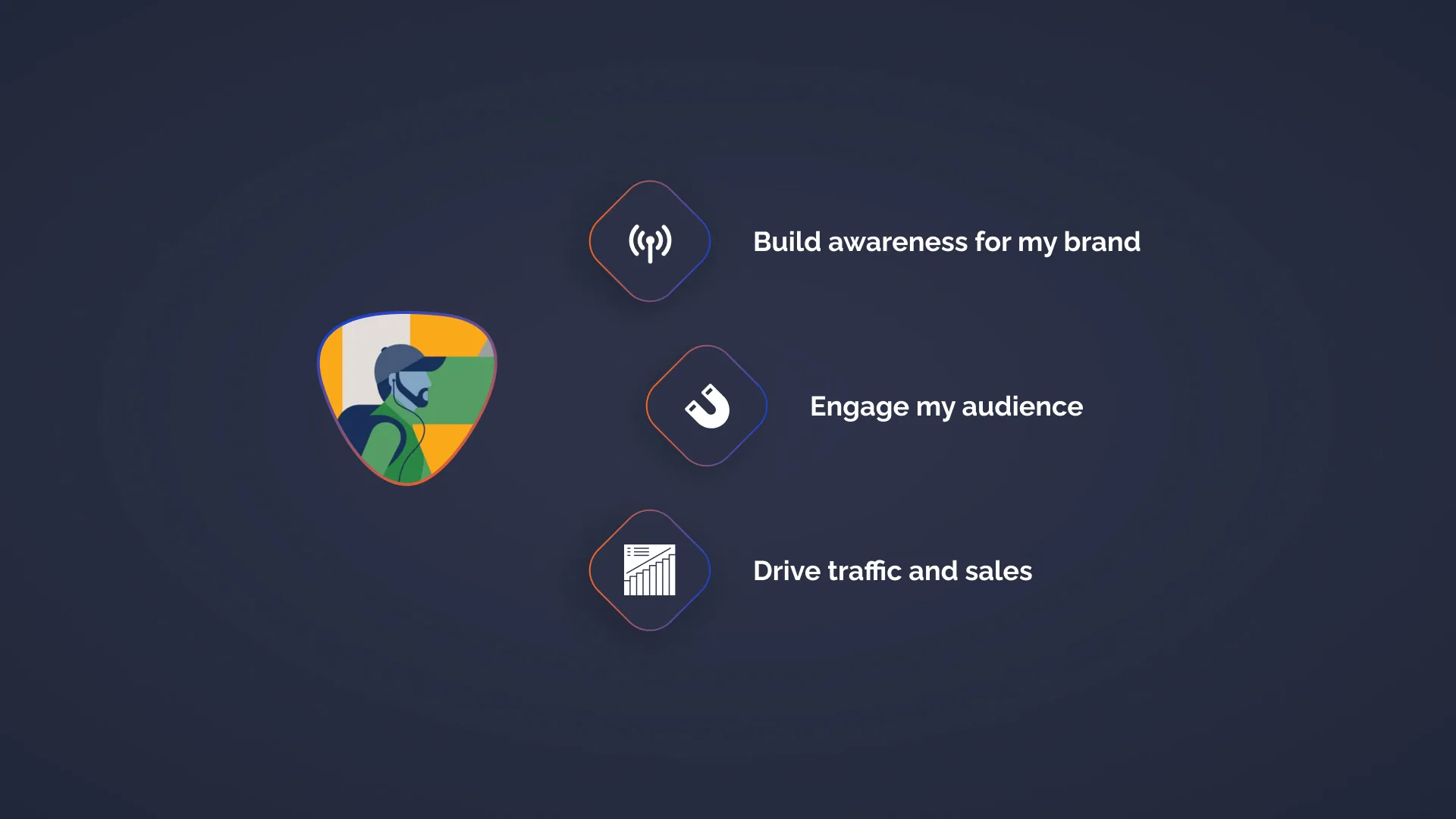
Best Time to Post changed that. By analysing when audiences were online and when content historically drove the most engagement, we surfaced goal-specific posting recommendations — for engagement, sales, or awareness. A custom heatmap visualisation made the "why" transparent, not just the "when". The feature landed so well it was integrated directly into the scheduler and became a key talking point for the sales team.
Challenge
Users had access to data but lacked a clear, actionable path from insight to posting decision — the workflow was manual, slow, and left too much to interpretation.
Approach
Define the right data inputs, design goal-oriented recommendations, and create a custom heatmap visualisation that explained the reasoning behind each suggested time slot.
Outcome
A well-received feature that was integrated into the scheduler and used as a sales differentiator — turning raw analytics into a clear, goal-driven action for every user.
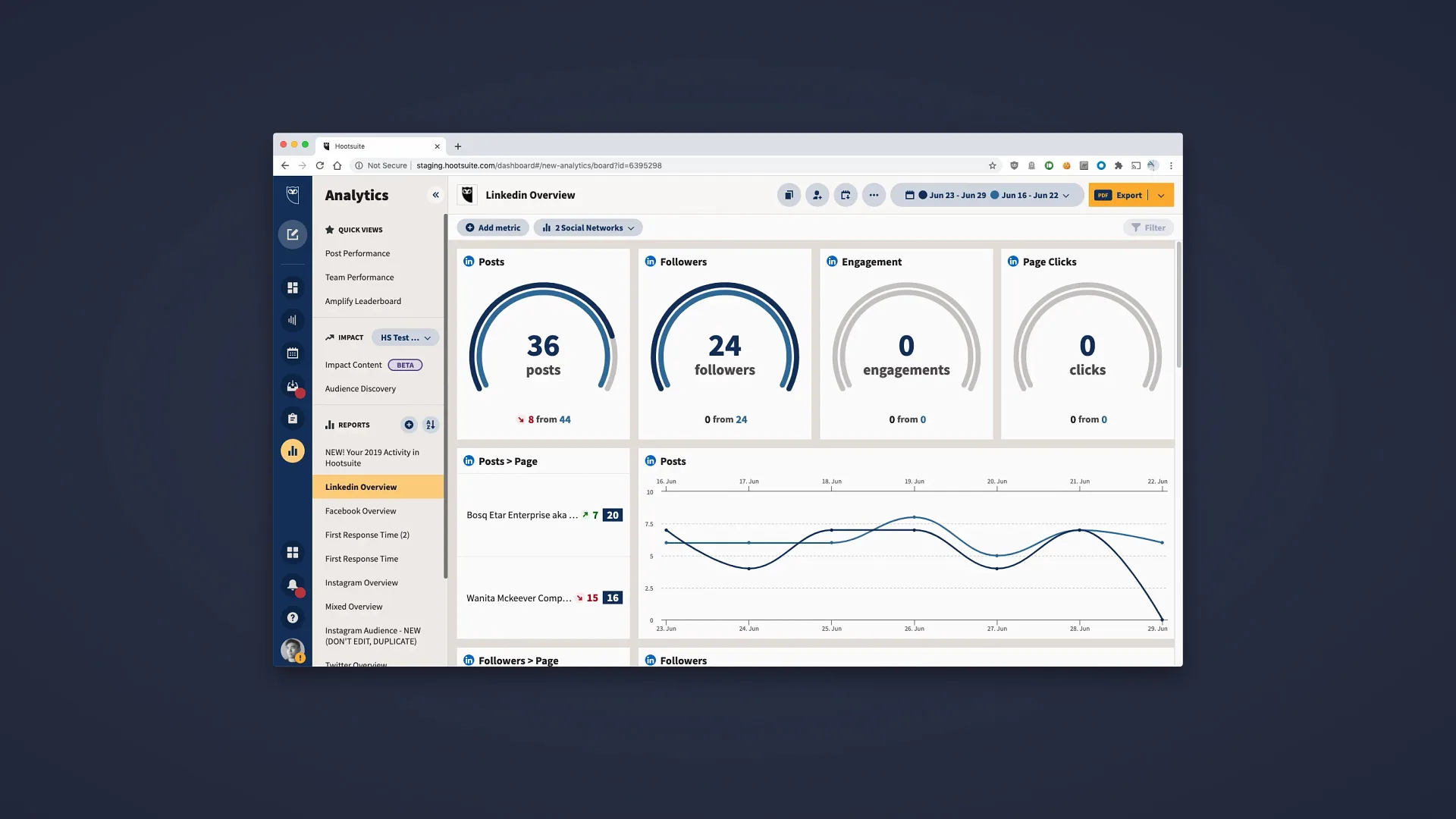
The baseline — Hootsuite's existing analytics view, data-rich but passive. Users had to do all the interpretation themselves.
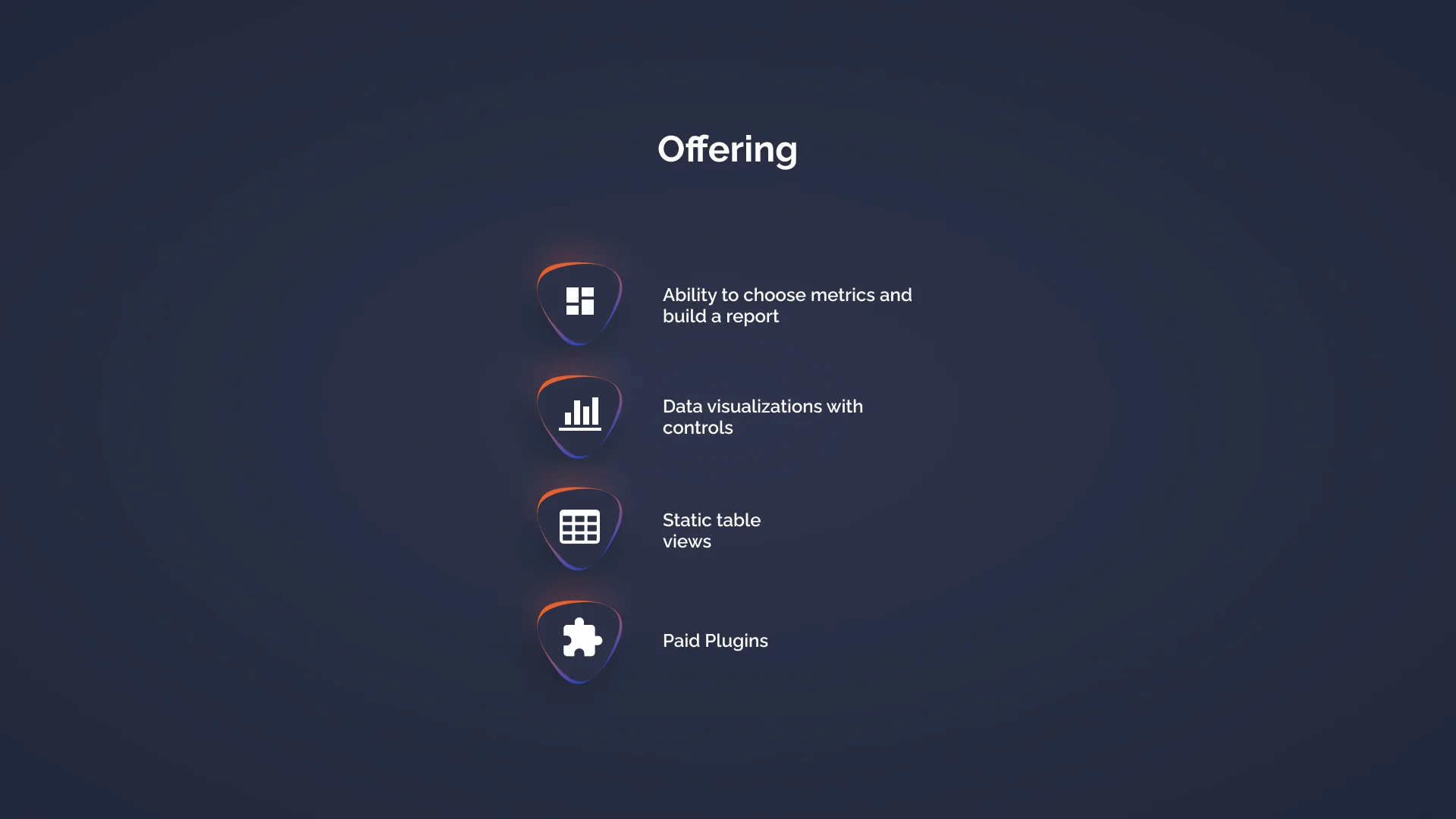
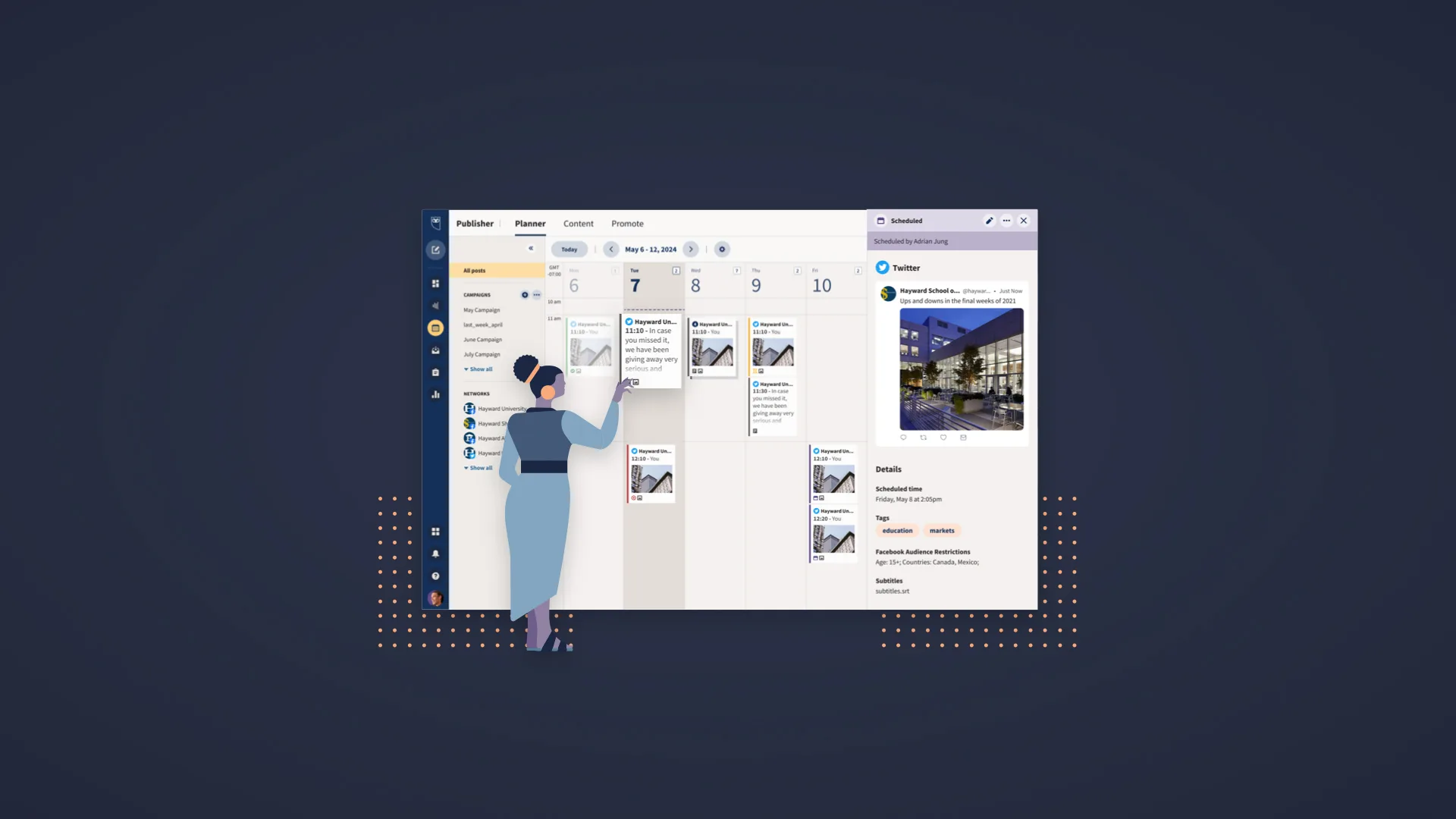
The existing offering — customisable dashboards and data widgets. Powerful, but entirely user-driven with no guidance on what to do next.
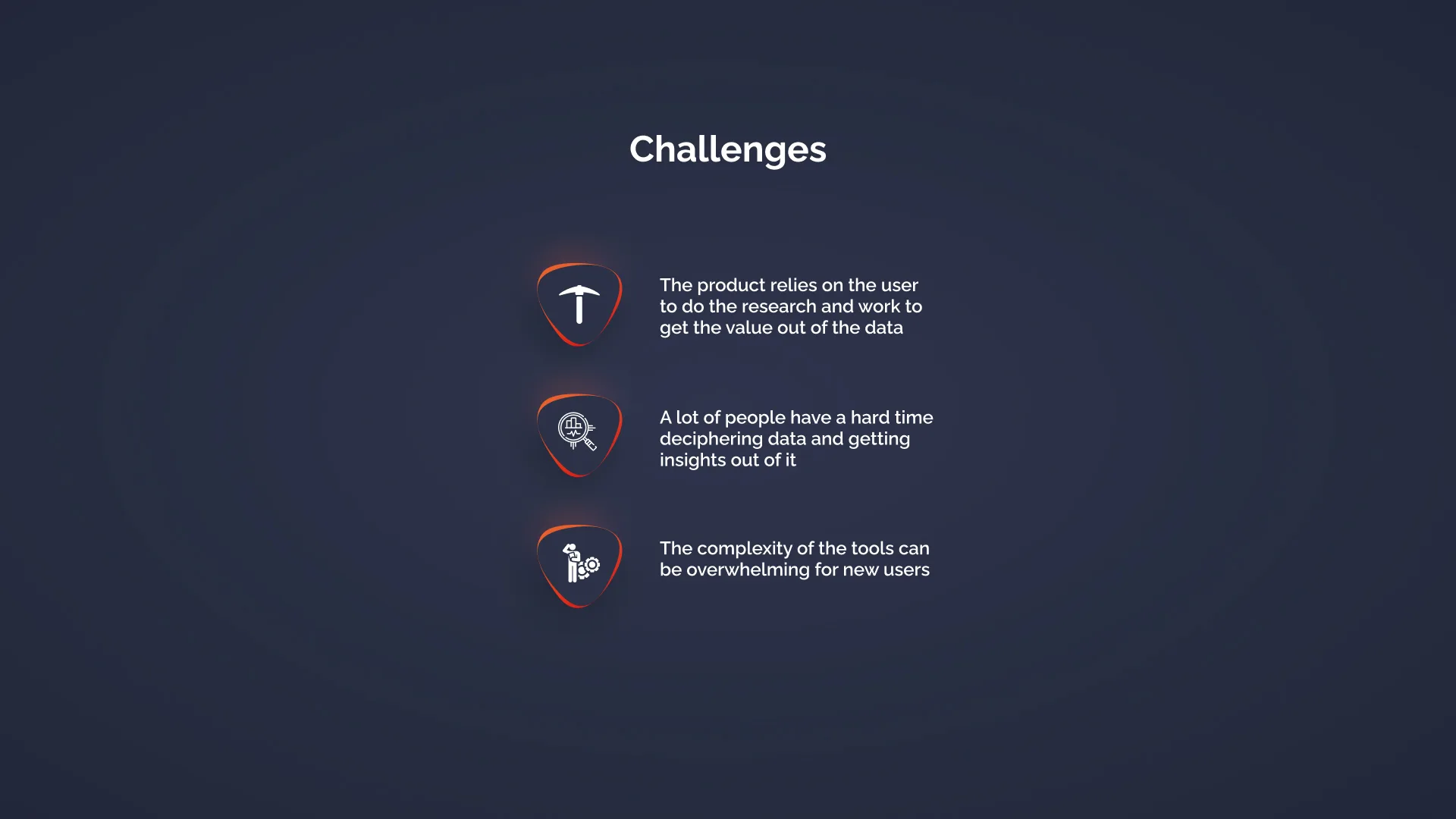
Workflow challenges — too many steps between seeing data and taking action. Users were disengaging before reaching a posting decision.
The core challenge — use the data Hootsuite already had to help users make better posting decisions, without requiring them to become analysts
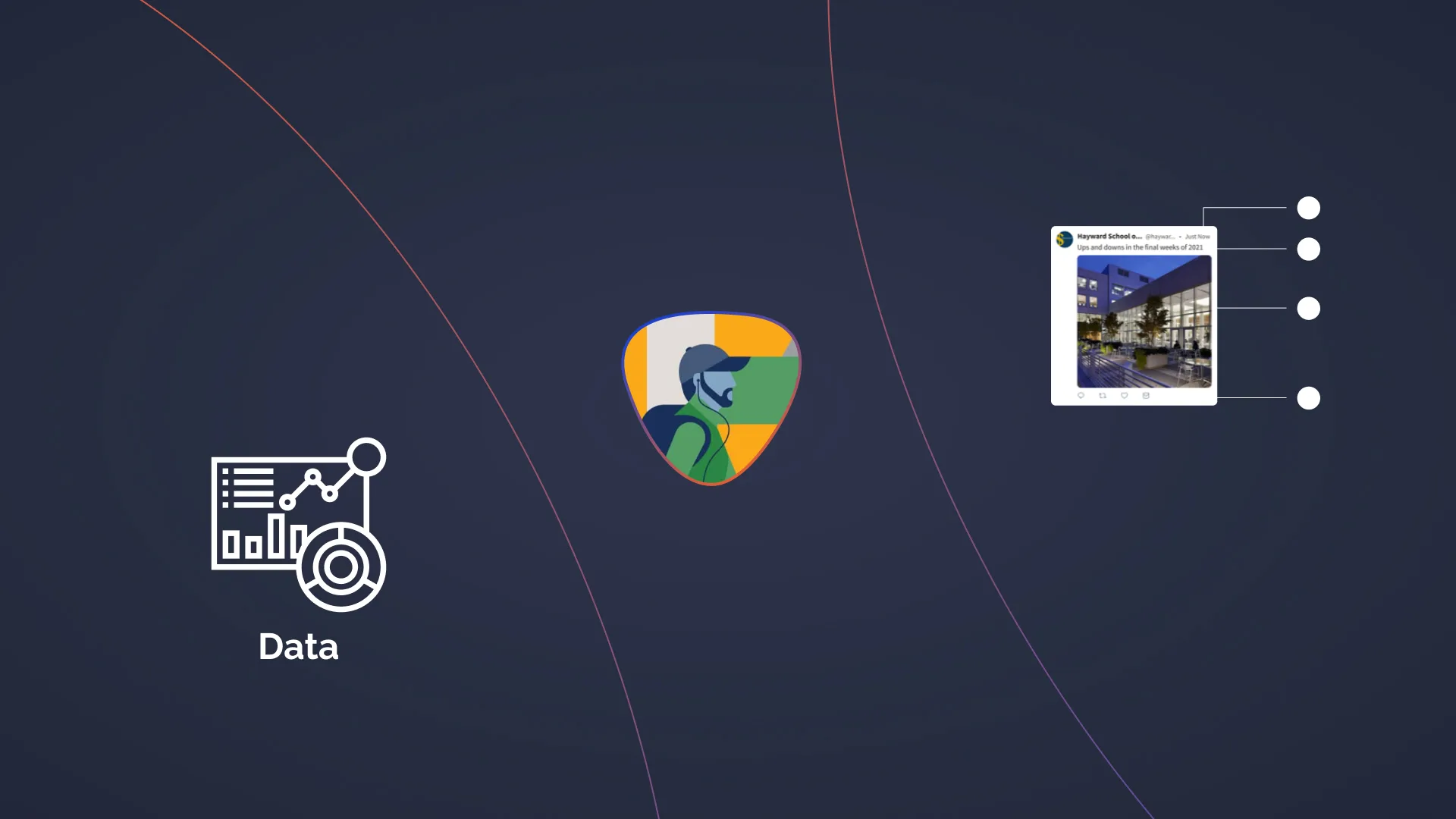
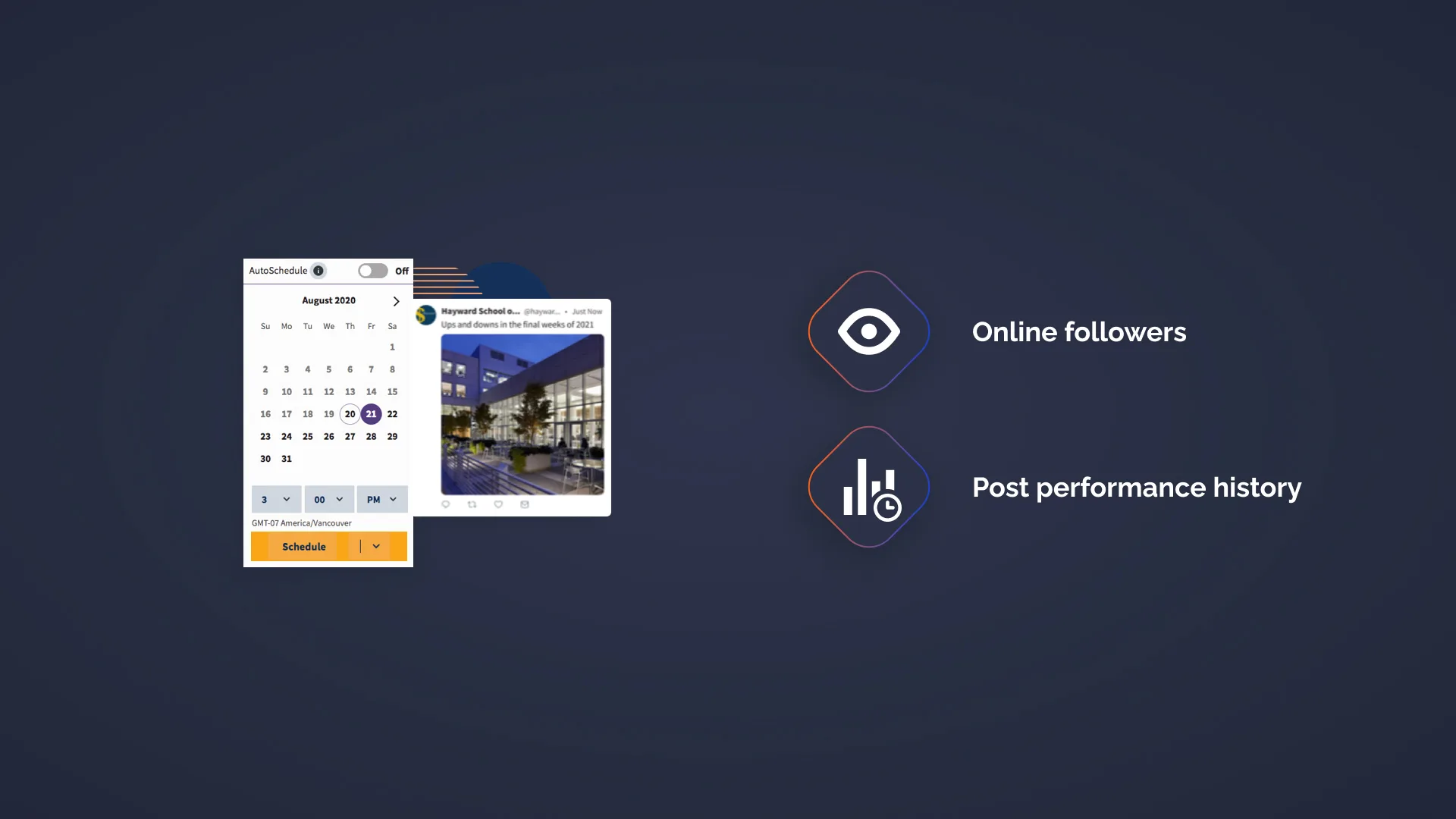
Data inputs — audience activity windows, historical engagement patterns, network timing signals; Project goals — recommend optimal times for engagement, sales, or awareness
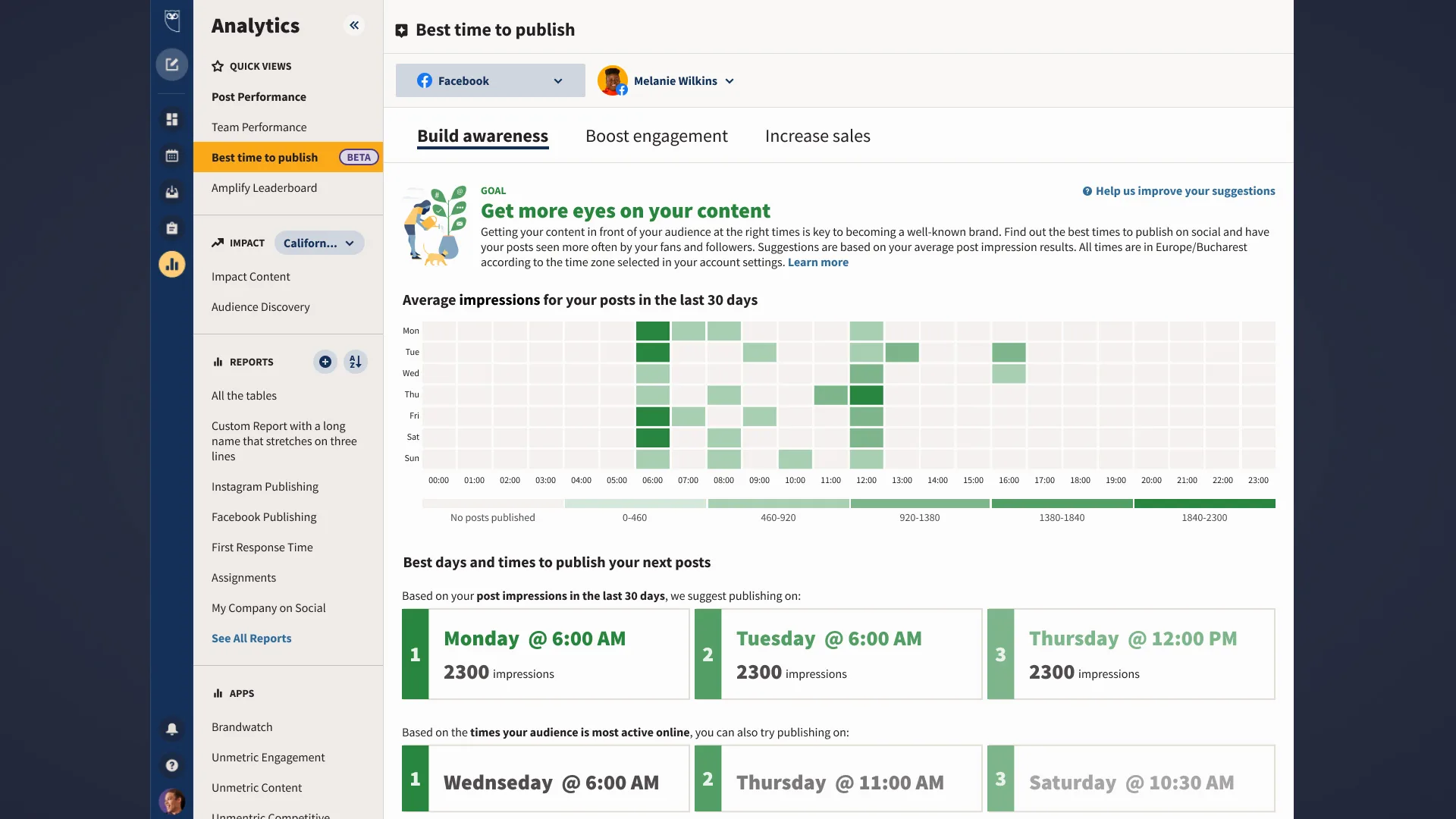
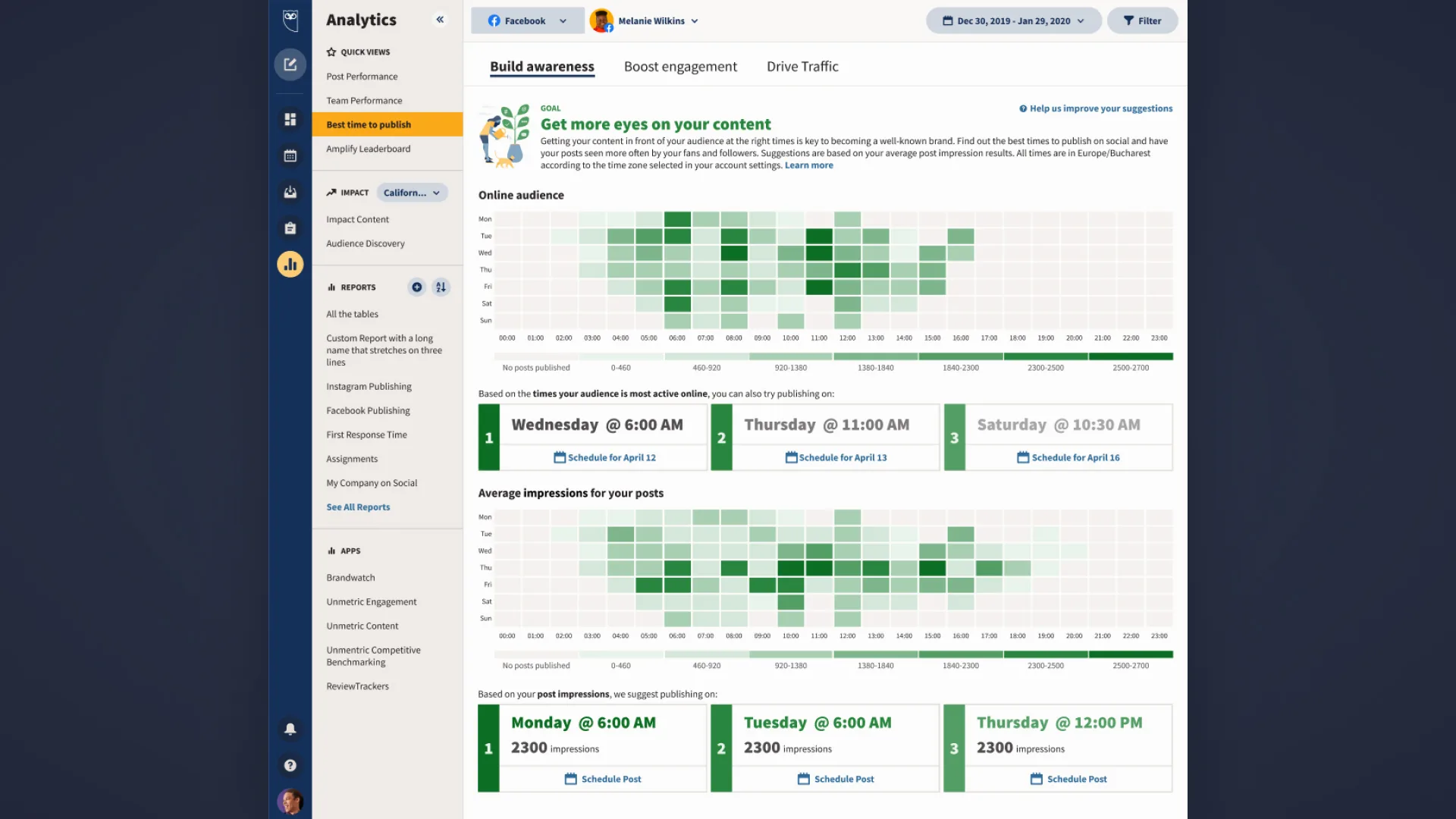
Custom heatmap — Best Time to Post for Awareness goal. The visualisation makes the "why" transparent: users can see exactly which time slots are strongest and why a slot is recommended.
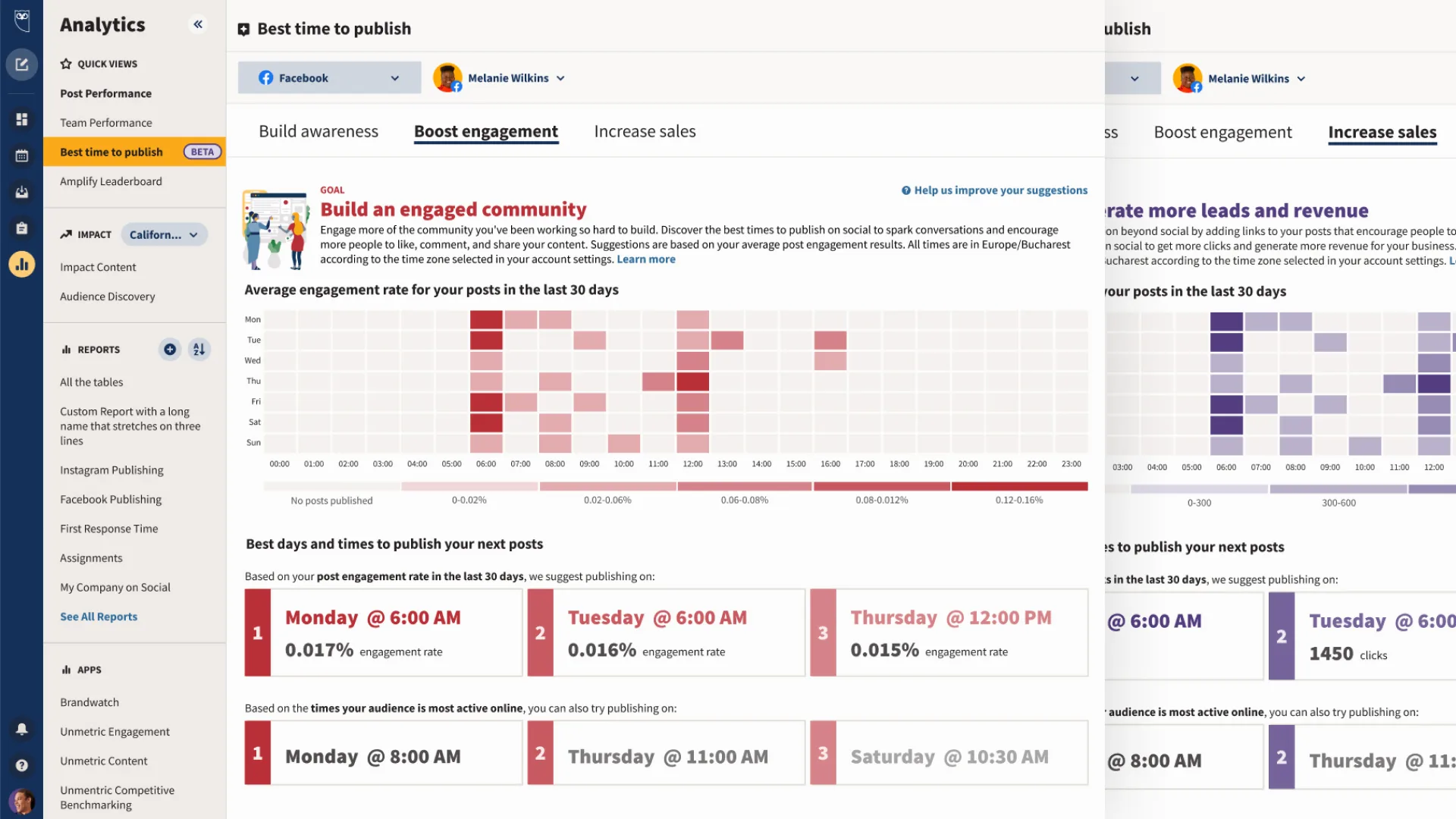
Heatmap variants — the same visualisation adapted for Engagement and Sales goals, with different signal weighting reflected in the heat intensity
Full feature view — the heatmap overlaid with the user's own posting history, creating a direct connection between past behaviour and future recommendations
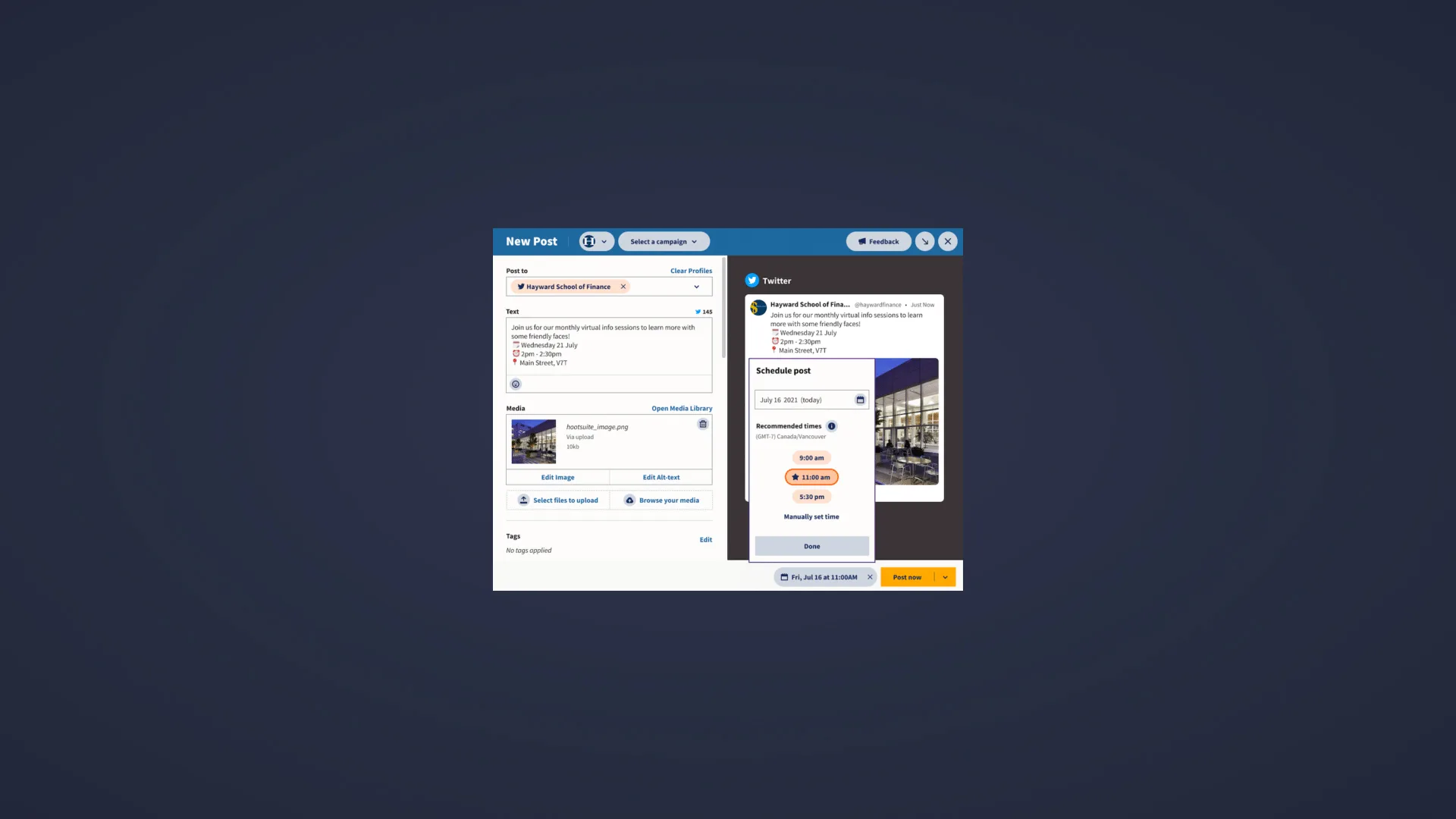
Scheduler integration — Best Time to Post was surfaced directly inside the post scheduler, putting the recommendation exactly where users needed it: at the moment of posting